Event Selector
The popup lets you quickly select an event:
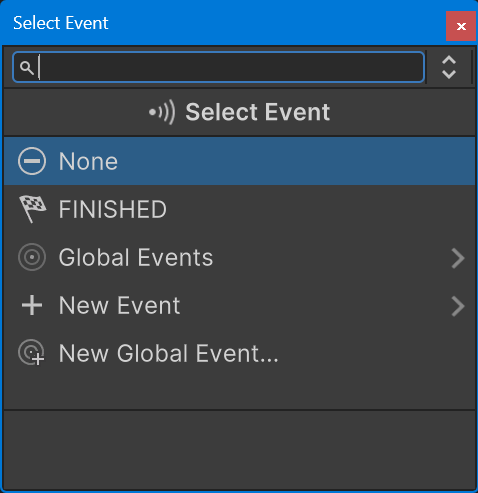
Start typing to quickly find an event.
The event list shows events in this order:
- Used Events: Events already used by the FSM.
- Finished Event: Quick access to the Finished event.
- Global Events: All global events in the project.
- New Event: Create a new event.
- New Global Event: Create a new global event.
Transition Events
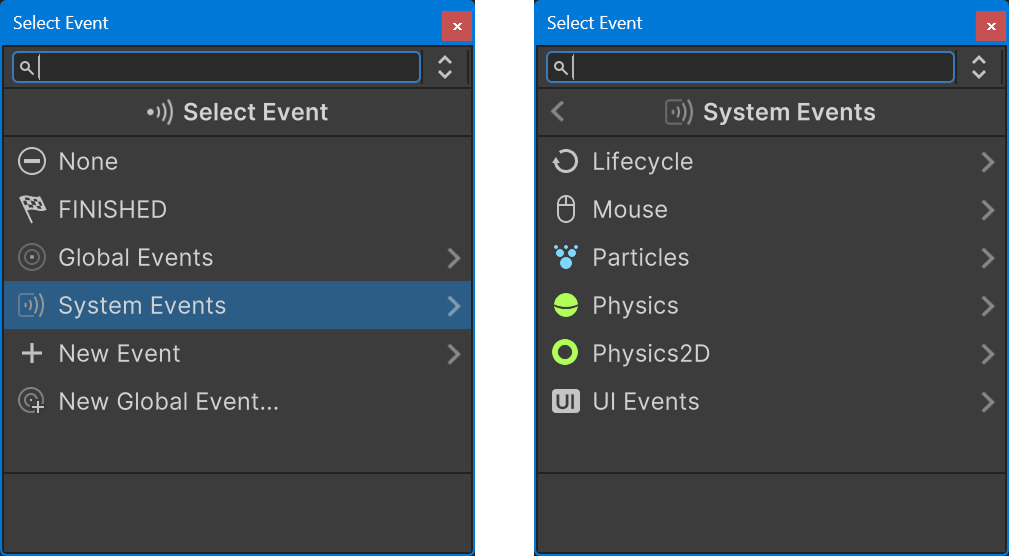
If you're selecting a transition event, the selector also shows system events:
Tip
Hover over a system event to see a tooltip decsription of the event.
New Event
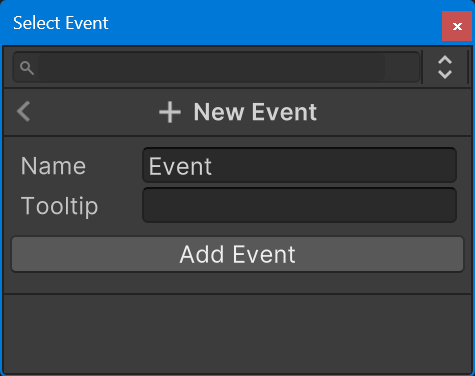
Select New Event to make a new event and assign it to the field:
Tip
The Name field is prefilled with the any search text you typed.
So you can type the new event name and hit enter to edit it.
Hit enter again to create the new variable.