Global Events Browser
PlayMaker → Browsers → Global Events
Shows all Global Events in your project:
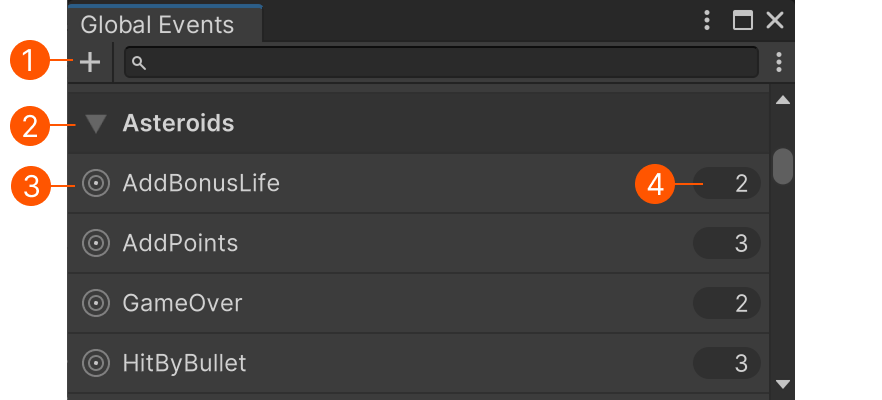
| # | Description |
|---|---|
| Add a new Global Event asset. | |
| Use Groups to organize globals. | |
| The global event. Click to select the asset. | |
| Used count. Click to find usages. |
Finding Usages
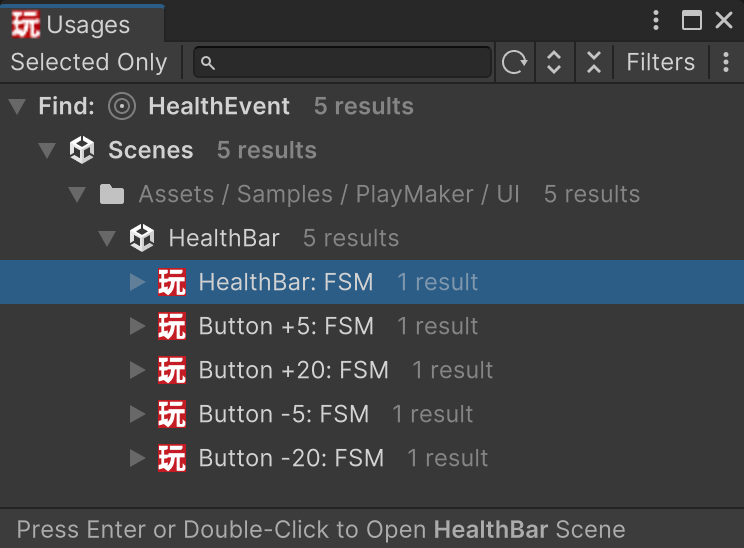
Click the Used Count next to any event to open a Finder window.
This shows all FSMs that send or receive the selected Global Event.