Action Parameters
Action parameters are similar to Monobehavior parameters, but they can use variables and send events.
Using Variables
Parameters can use variables instead of constant values.
To use a variable, click the Variable Toggle button and select a variable:

In this example, instead of translating the GameObject by (1,0,0) we translate it by the current value of the Velocity variable. The Velocity variable can be set by other actions, for example, a user input action, or an action that generates a random direction.
Owner Variable
Many actions can use the Owner variable. Owner means "the GameObject that the FSM is on."
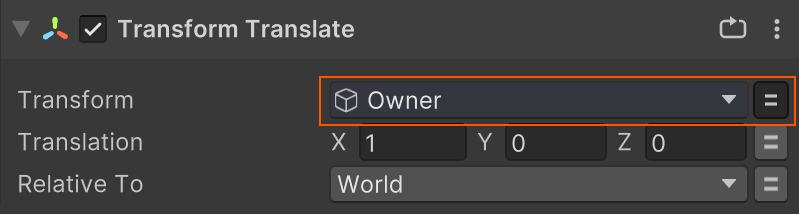
Owner can also find the Component on a GameObject that the action needs.
Outputs
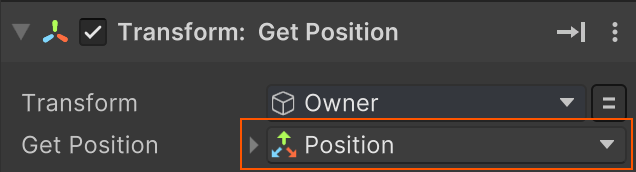
Some parameters are outputs, meaning they save a value to a variable.
Outputs are marked with a symbol:
Sending Events
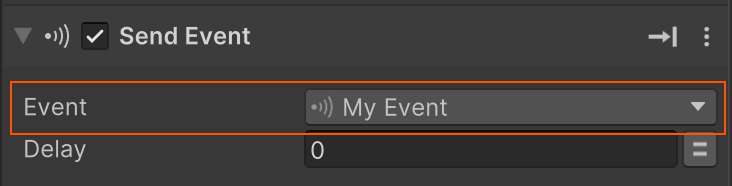
Click an event button to select an event to send.
Shortcuts
Auto-Add New Variable
Alt+Click the Variable Toggle or Dropdown to auto-add a new variable.
The variable type and name match the parameter.
Edit a Variable
Alt+Click a selected Variable to edit it in the Variables Inspector.