List
Tip
Standard C# list actions link to Microsoft help documents.
PlayMaker-specific list actions are documented here.
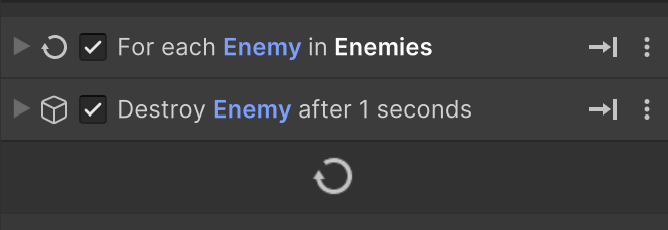
For Each List Item
Use For Each List Item to loop through all list items.
Condition Editor
Some list actions use a Condition Editor:
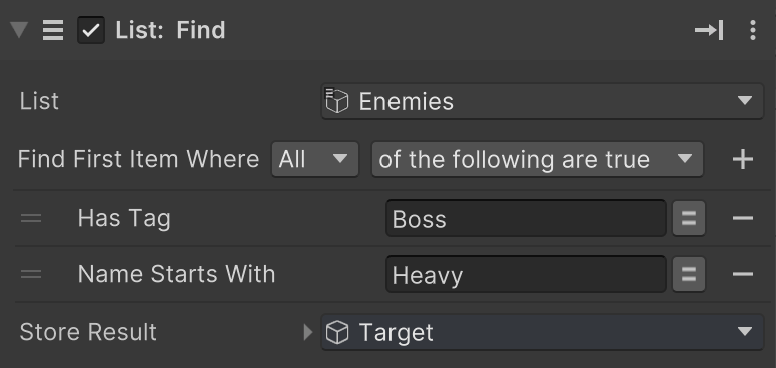
This editor lets you build a test for list actions that select items.
Sequential Access
Use List Get Next Item to read items one at a time in order.
Prefer For Each List Item when you need more control.
List Actions
Read list items sequentially across repeated calls.
Find the first item that matches a condition.
Find all items that match a condition.
Find the index of the first matching item.
Find the last item that matches a condition.
Find the index of the last matching item.
Remove all items that match a condition.