Error Callouts
The Action Editor highlights setup errors.
Required Fields
The most common highlight is for required fields:
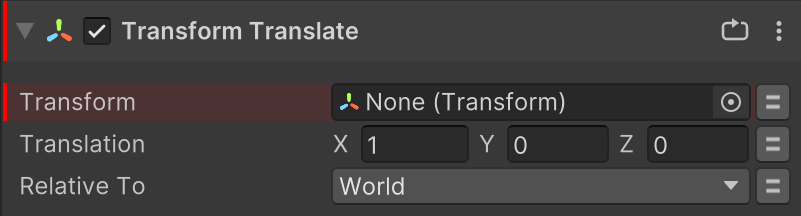
This indicates that the field must be set for the action to run.
Auto-Fixable Errors
Errors that are auto-fixable can be clicked to apply the suggested fix:
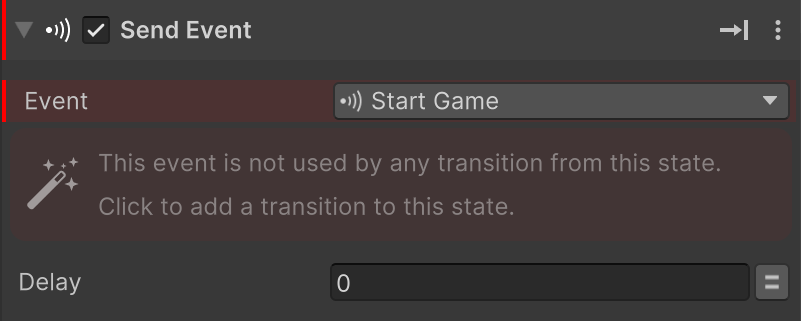
Click the error to apply the fix.
Debug Toolbar
The Debug Toolbar shows the total number of errors in the FSM:

Use the Prev/Next buttons to quickly find errors, or click the count to open a finder window that shows all the errors.
Shortcuts
Alt+Page Up to select previous error.
Alt+Page Down to select next error.