Data Table Widget
Actions for controlling a DataTableWidget and handling row-level UI events.
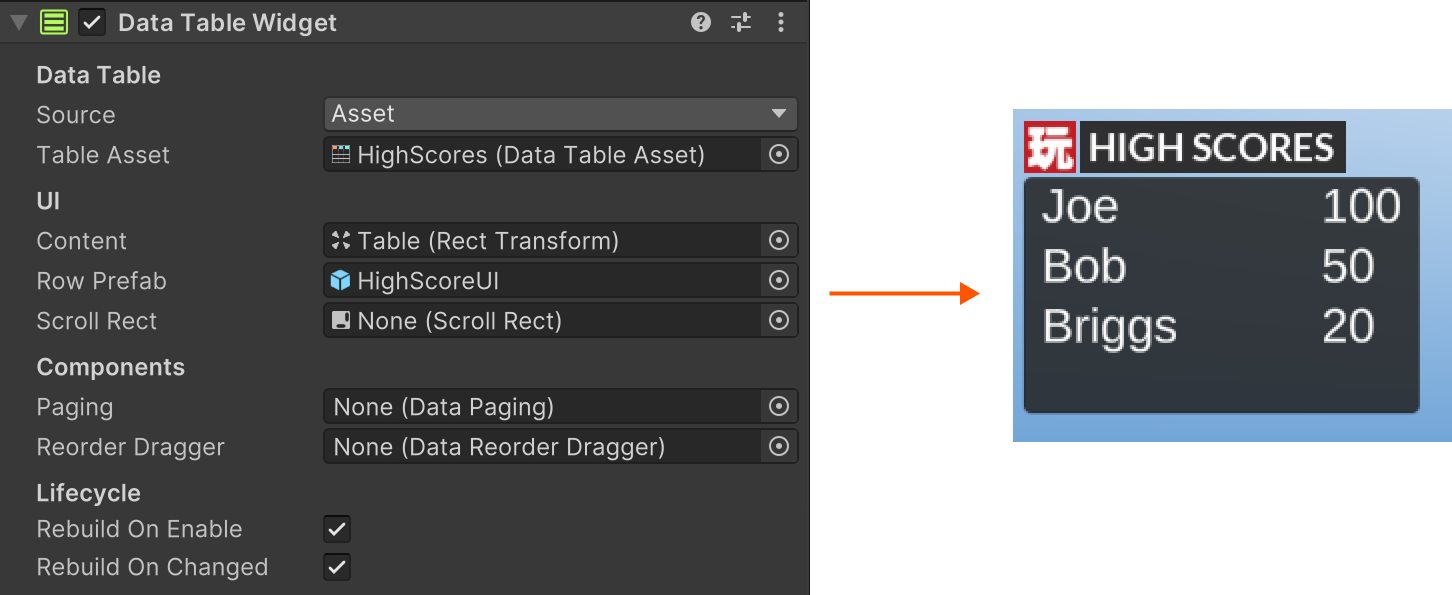
Data Table Widget Actions
Clear all current rows from the widget view.
Set the runtime table used by the widget.
Read the widget's current selected row key, index, and visible row object.
Handle row-level actions such as select, move, or custom commands.
Rebuild the widget from its current data source.
Refresh visible rows from current data.
Select a row by key or index and optionally sync Unity UI selection.