Build Random Rects
Generate a list of random Rects inside a bounding region. Great for rooms in a dungeon, city blocks, loot zones, etc.
| Random | Non Overlapping |
|---|---|
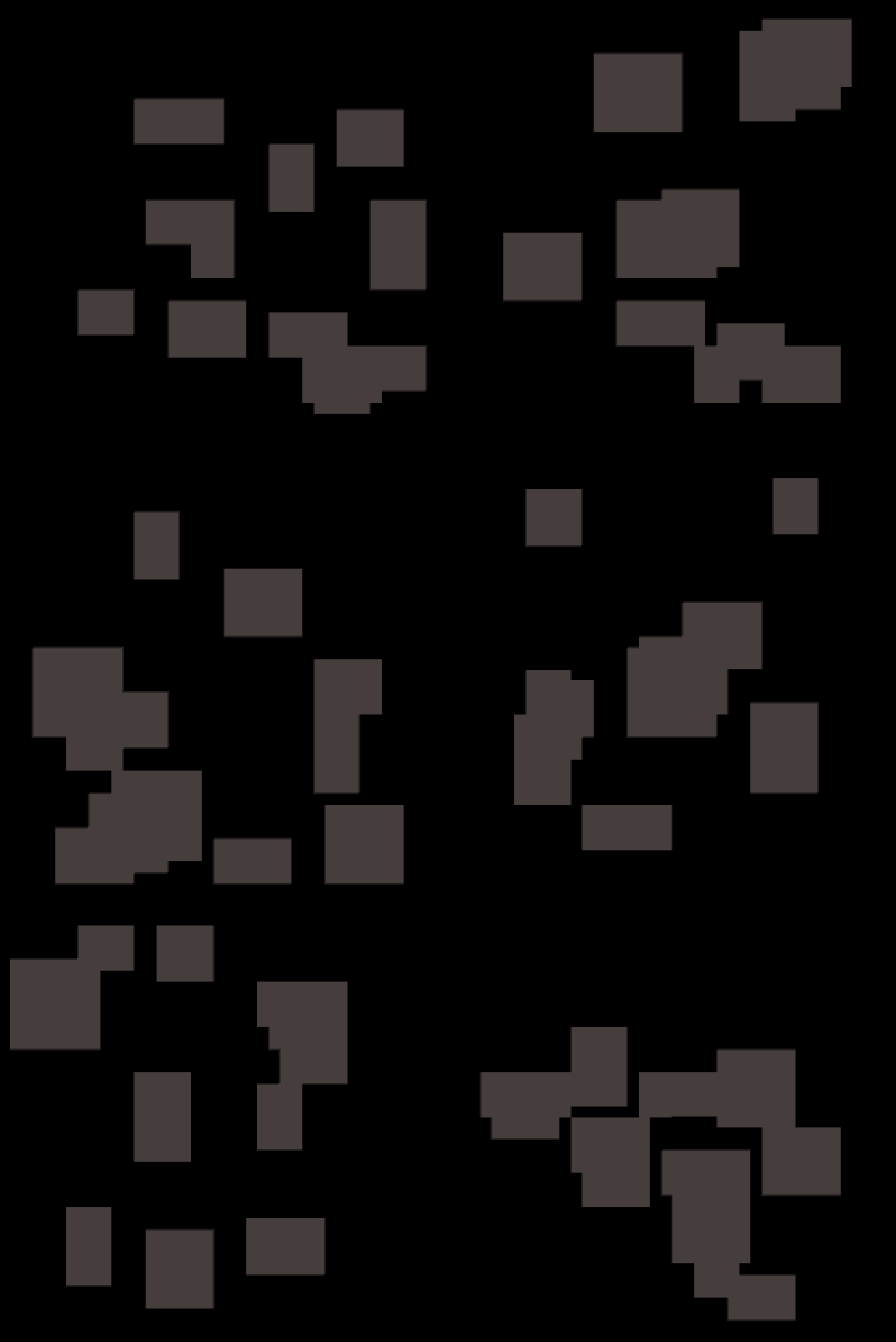 |
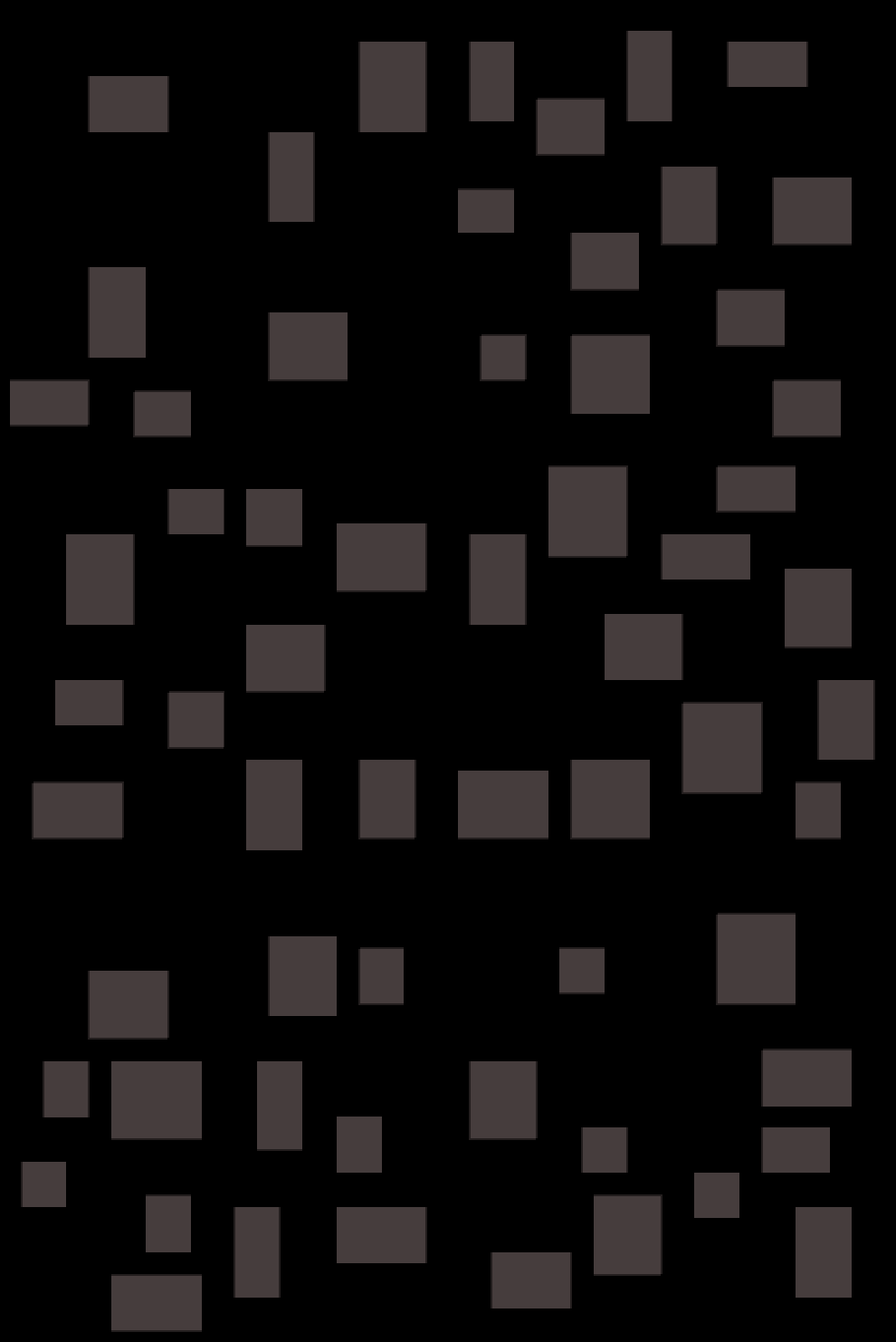 |
Supports two placement methods: Scatter and BSP.
Output is geometry only (lists of Rects).
Use painting actions like Tilemap Fill Rects to draw them.
Inputs
| Field | Description |
|---|---|
| Bounds Rect | Region to fill with rects. |
| Bounds Padding | Shrinks the usable area inside Bounds Rect by (x,y) on each side. |
| Min Size | Minimum (width, height) of each rect. Must be > 0. |
| Max Size | Maximum (width, height) of each rect. Must be > 0. Values are clamped so Min ≤ Max at runtime. |
| Count | Target number of rects (best effort). Scatter may place fewer if it can’t find space. BSP stops when out of leaves. |
| Rect Padding | Extra spacing around each rect. Acts like an expanded collision box when testing overlap. |
| Tile Size | Snap position and size to this grid size (<= 0 disables). |
| Method | Scatter (Try N Times) or BSP Subdivide. See below for settings. |
| Scatter Setting | Description |
|---|---|
| Non Overlapping | If true, placed rects may not overlap (BSP is always non-overlapping). |
| Max Tries Per Rect | Attempts per rect before giving up. Higher = denser but slower. |
| BSP Setting | Description |
|---|---|
| BSP Min Leaf Size | Minimum leaf size. Smaller values allow more, smaller leaves. Honors tile snapping. |
Outputs
| Field | Description |
|---|---|
| Rects | The generated list of Rects (cleared and refilled on execute). |
Placement Methods
Scatter (Try N Times)
Randomly places up to Count rects inside the bounds:
- Picks a random position and size within limits.
- Snaps to the grid if Tile Size > 0.
- Skips any overlapping rects if Non Overlapping is true.
- Tries up to Max Tries Per Rect before giving up on that one.
Good for: Natural, varied layouts with adjustable spacing.
Note: Large Rect Padding or strict Non Overlapping settings can reduce the number of successful placements.
BSP Subdivide
Splits the Bounds Rect into smaller regions (leaves), then places one rect in each:
- Stops splitting when enough leaves are created or a region becomes smaller than BSP Min Leaf Size.
- Insets each leaf by Rect Padding to leave gaps between rooms.
- Randomizes each rect’s size and position within its leaf, snapping to the grid if enabled.
Good for: Evenly spaced rooms and traditional dungeon-style layouts.
Note: Always non-overlapping.
Reproducible results
For repeatable layouts, run Random Init State beforehand with a fixed seed.
Using the same seed and inputs yields the same sequence of rects.
Tips & pitfalls
- Too much padding? Large Rect Padding + Non Overlapping can prevent placements. Reduce padding or increase Max Tries Per Rect (Scatter), or lower BSP Min Leaf Size (BSP).
- Bounds Padding eats space. If you inset too much, there may be no usable area - output will be empty.
- Tile Size trade-off. Snapping makes rooms align nicely but can push borderline sizes off the map. Consider nudging Max Size up to account for snapping up.
- Count is best effort. Scatter stops early if it can’t place; BSP stops when it runs out of leaves.
- Painting: Remember this action only outputs Rect geometry - follow up with a paint/fill action to visualize.