Build Random Sprite From Layers
Combines one random frame from each sprite sheet into a single baked sprite.
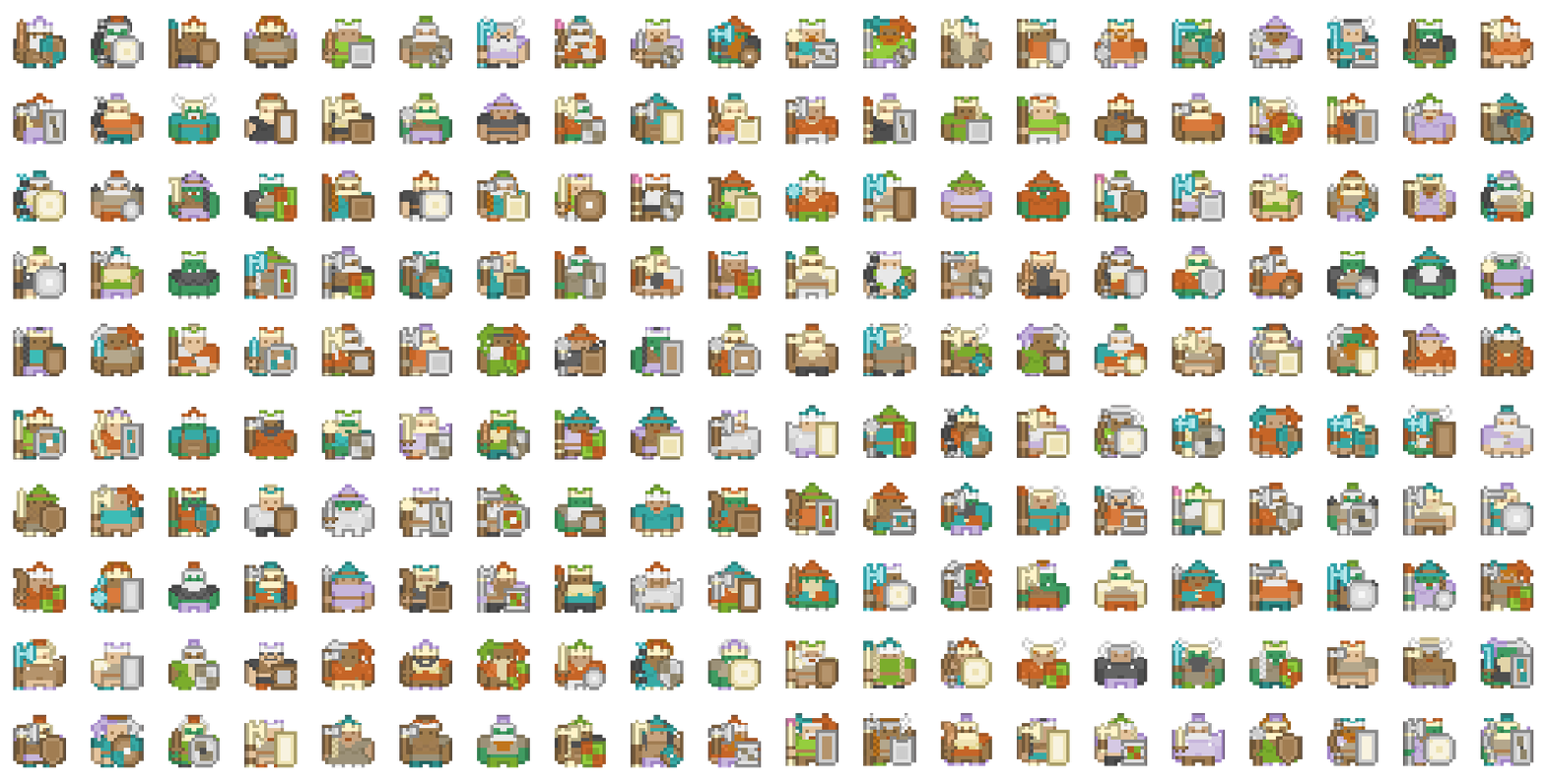
Each layer represents a visual component - for example, body, armor, weapon, or hat - and one random frame is chosen from each before compositing them together.
This is a powerful tool for procedurally generating 2D characters, items, or icons with layered variations.
For example, you can mix random body parts, outfits, or accessories to create unique sprites each time the action runs.
Parameters
| Parameter | Description |
|---|---|
| Layers | Array of sprite lists, one per visual layer. Each list can contain multiple sprites (e.g., different armor pieces). One random frame is picked from each list. |
| Background | The background color to use when compositing layers. Usually set to transparent (Color.clear). |
| Pre-Multiply Alpha | Multiplies RGB by alpha before blending to prevent dark or bright edges when layers use transparency or glow effects. |
| Sprite Name | Optional explicit name for the baked sprite. If empty, concatenates the chosen frame names automatically. |
| Baked Sprite | Output: The final combined sprite created by merging all chosen frames. |
The baked sprite derives size, pixels-per-unit, pivot, and texture sampling (filter, wrap, and anisotropy) from the first chosen frame.
How It Works
- A random sprite is chosen from each layer.
- The selected frames are drawn back-to-front in array order - ensure your layers are ordered correctly (background first).
- The combined image is baked into a new Sprite.
Example Setup
| Layer | Example Sprites |
|---|---|
| Base | Body_1, Body_2, Body_3 |
| Armor | Armor_1, Armor_2 |
| Helmet | Helmet_1, Helmet_2, Helmet_3 |
| Weapon | Sword_1, Bow_1 |
Each time the action runs, it produces a different combination, for example:
Body_2 + Armor_1 + Helmet_3 + Sword_1 → RandomCharacter_241
Notes
- All sprites should share the same canvas alignment and resolution for best results.
- Layers with empty or missing sprites are skipped gracefully.
- The baked sprite exists in memory only - use a separate action to save it if needed.
- Enable Pre-Multiply Alpha for soft transparency or additive glow layers.
- You can include empty frames in a sprite sheet to represent the absence of a layer - for example, a “bald” hairstyle.
Adding multiple empty frames increases the chance of that option appearing, allowing you to bias random outcomes without scripting.