PlayMaker Notes
Add Component > PlayMaker > PlayMaker Notes
The PlayMaker Notes component lets you add Markdown documentation to a scene.
Inspector
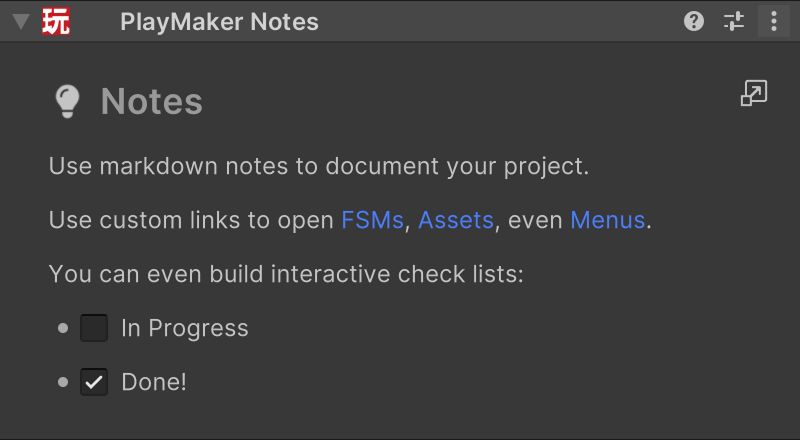
Double-click the text to edit the markdown.
Markdown Reference
Use the Markdown Cheat Sheet as reference.
Tip
 Click this to open the notes in a new window. This is great for notes that have a lot of links to other places in the project, keeping the notes open as you jump around your project.