Data Component
Add Component > PlayMaker > Data > Data Component
A Data Component lets you add custom data to a GameObject.
You can use this custom data to store per-object state such as stats, inventory values, quest flags, or any other gameplay values you want to read and update at runtime.
Inspector
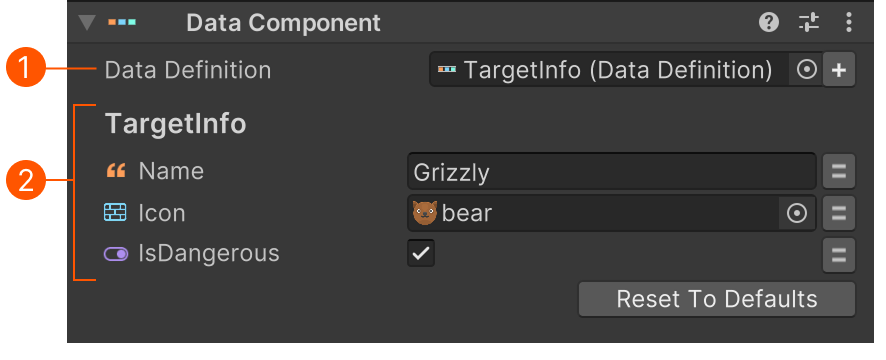
- Select a Data Definition
- Set the data fields.
Actions
Use actions to get/set this data: