Getting Started
PlayMaker → Addons → Getting Started
Import the Getting Started samples using the Addons Browser
Scenes
Each scene shows how a common interaction is handled in PlayMaker.
-
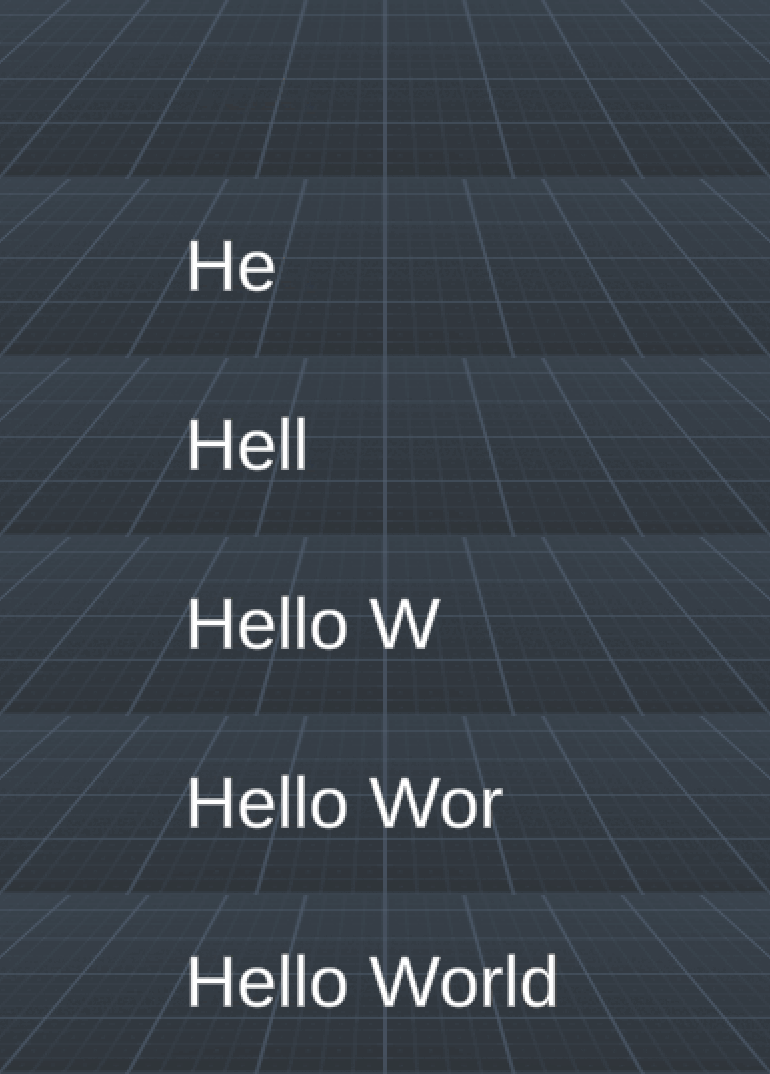
Hello World
Set a Text component to say "Hello World"
-
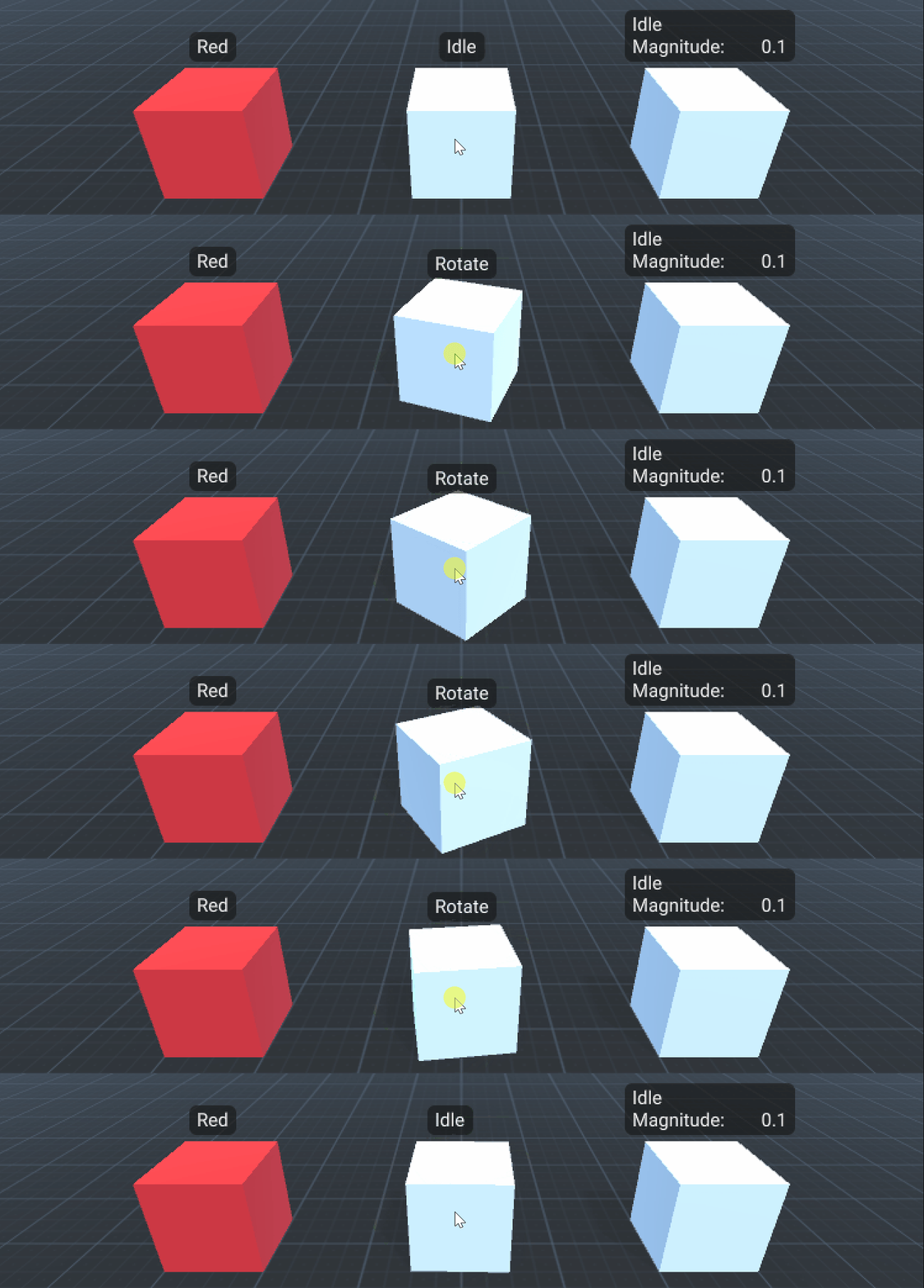
Click Object
React to mouse clicks on a GameObject.
-
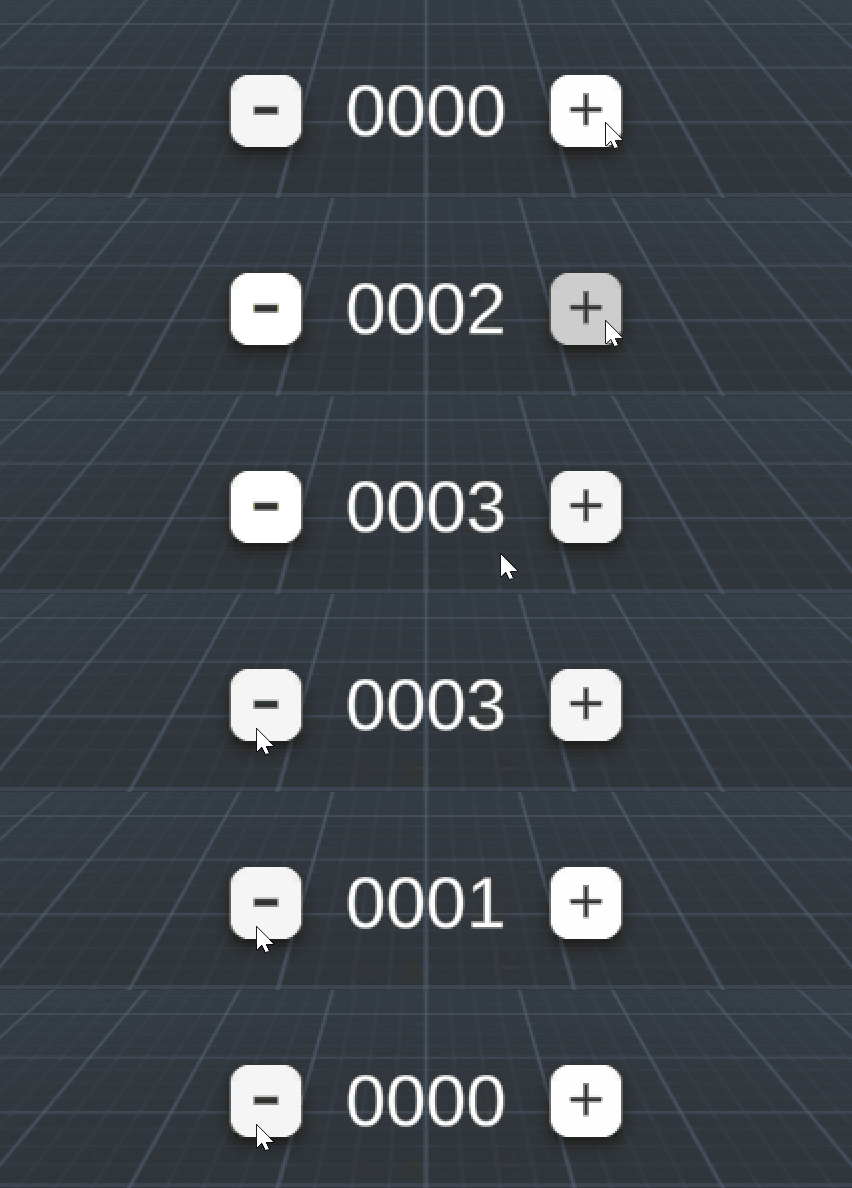
Counter
Shows how to set a count variable.
-
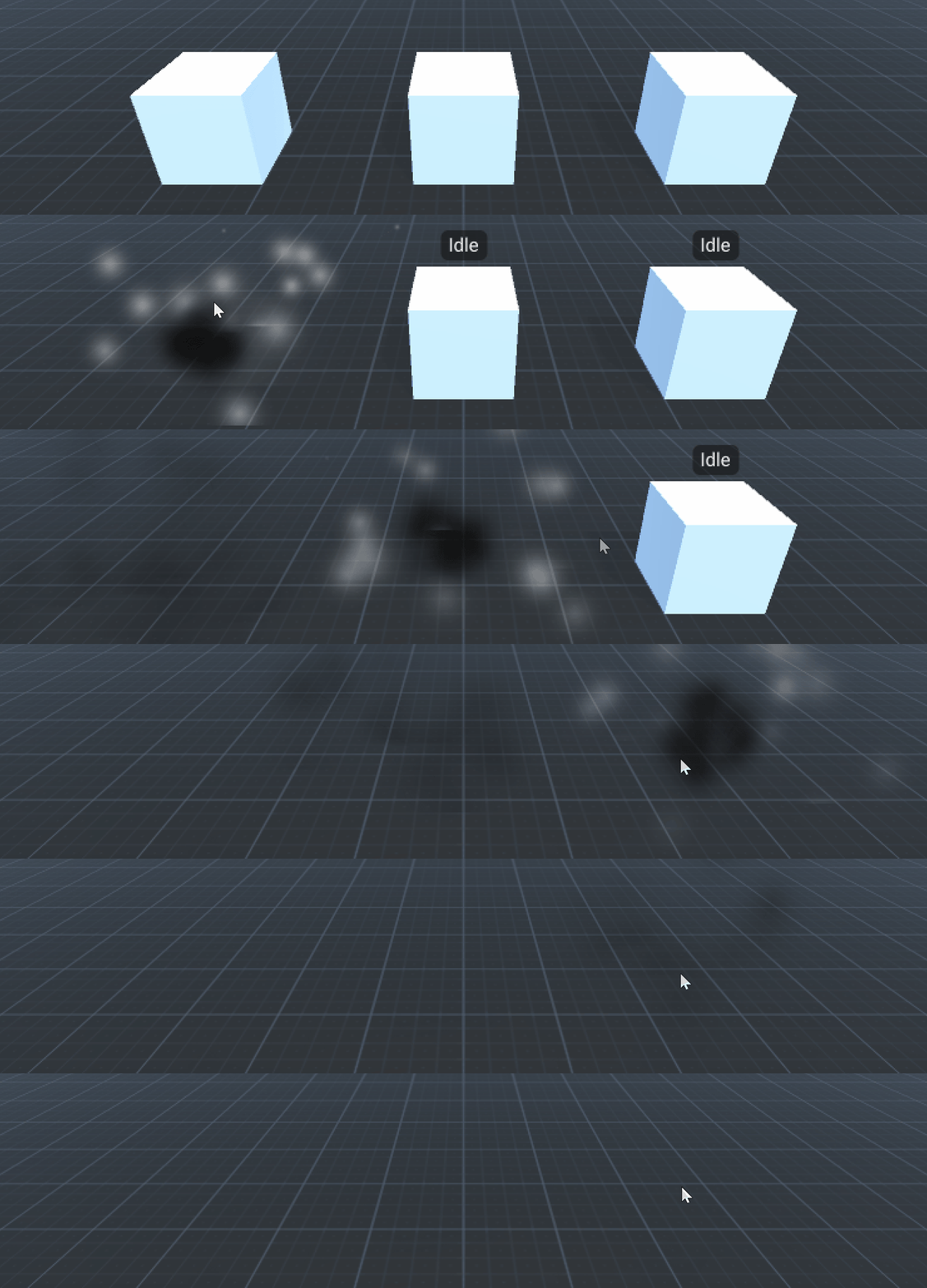
Destroy Object
Click objects to destroy them.
-
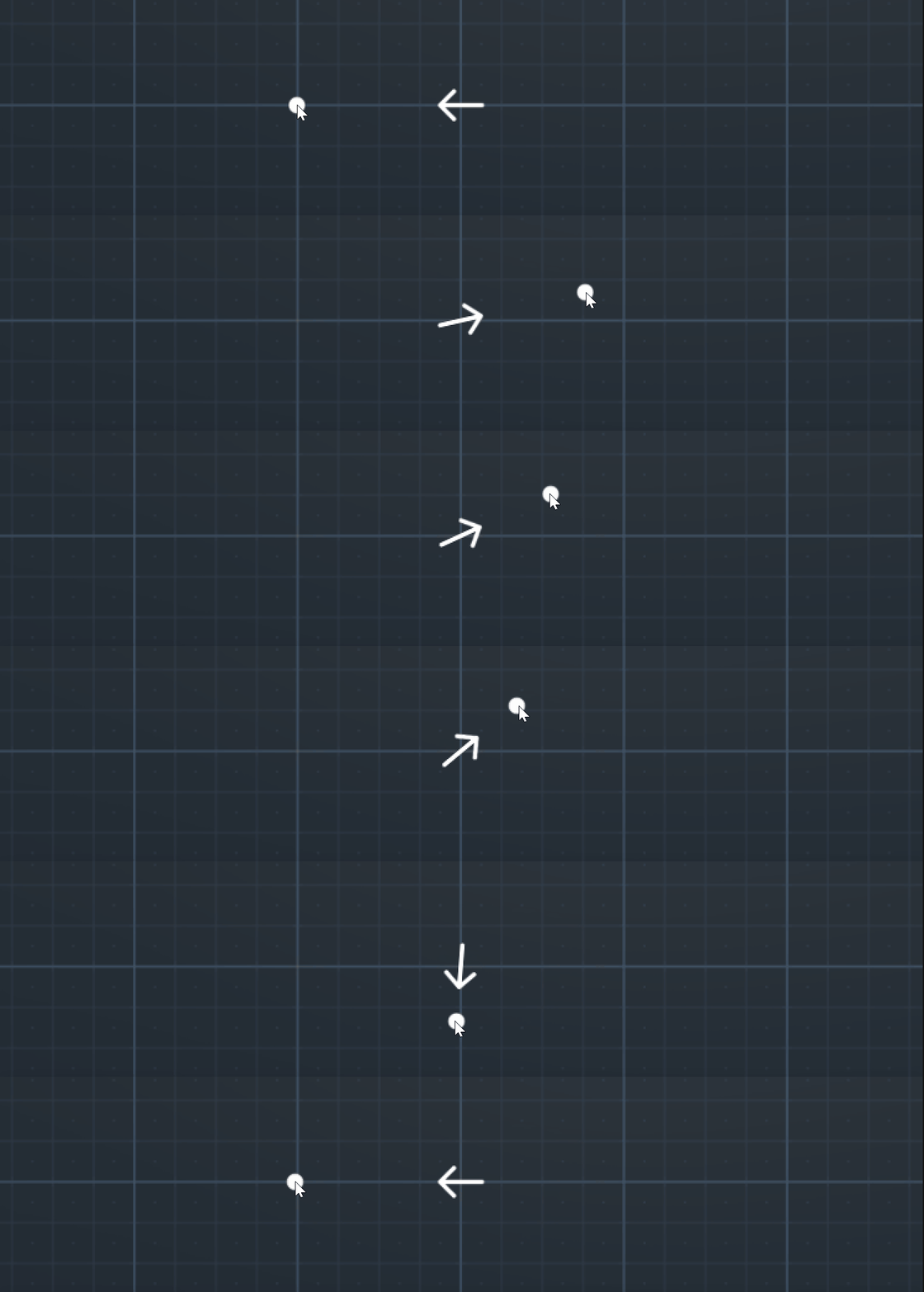
Look At
Rotate an object to look at a target.
-
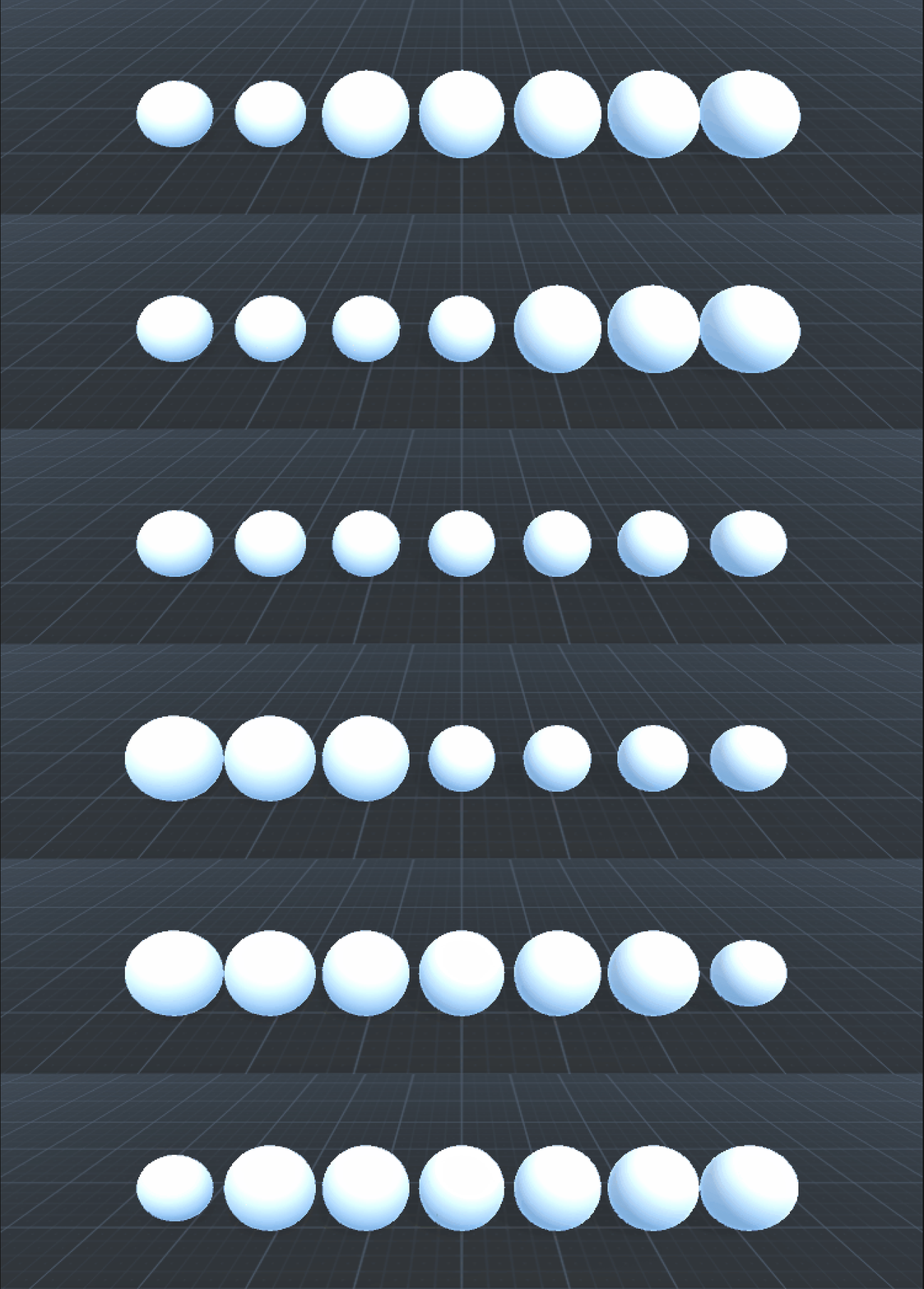
Loop Children
Run actions on children of a GameObject.
-
Loop Items
Run actions on items in a list.
-
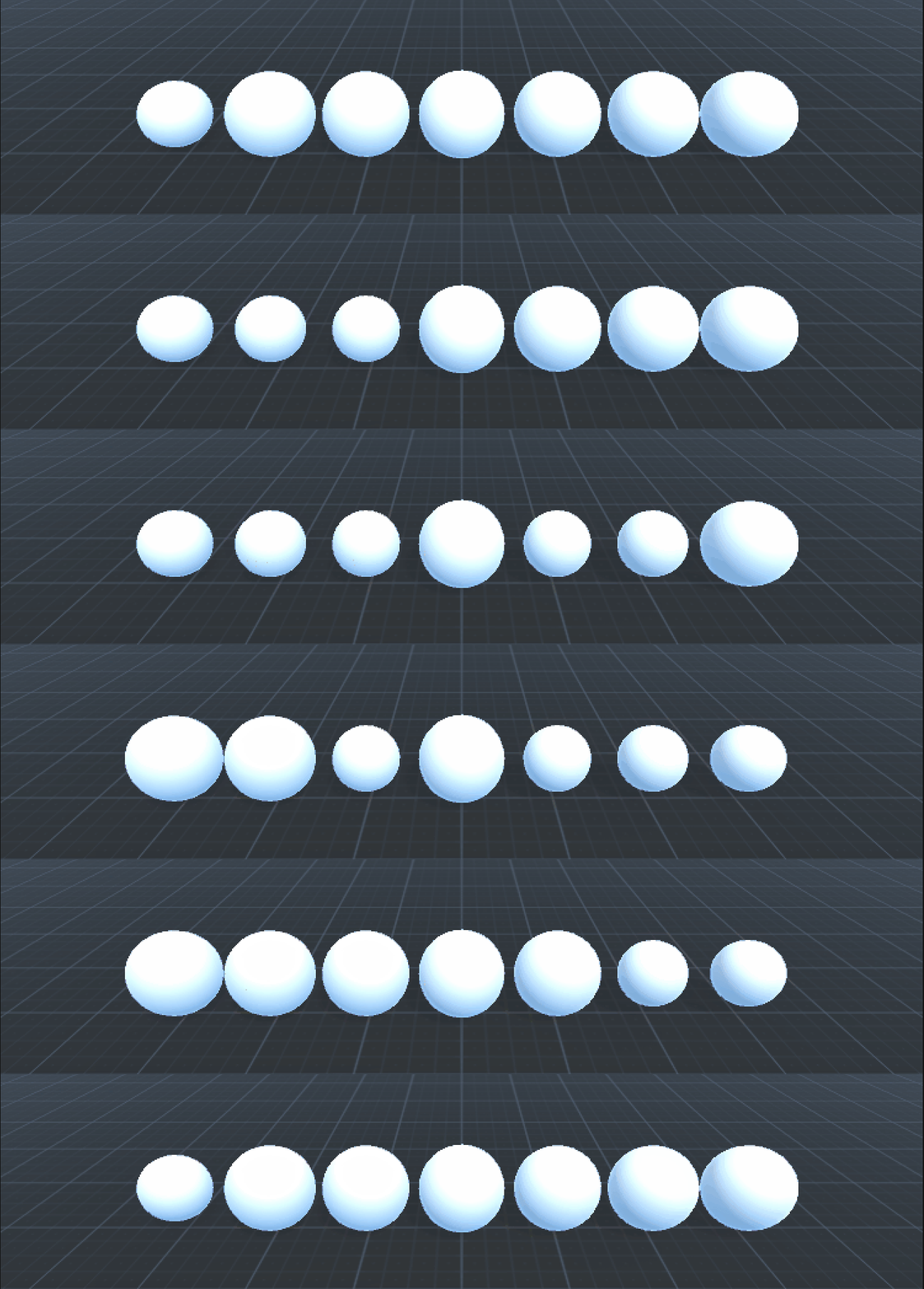
SkipLoop
Skip items in a loop.
-
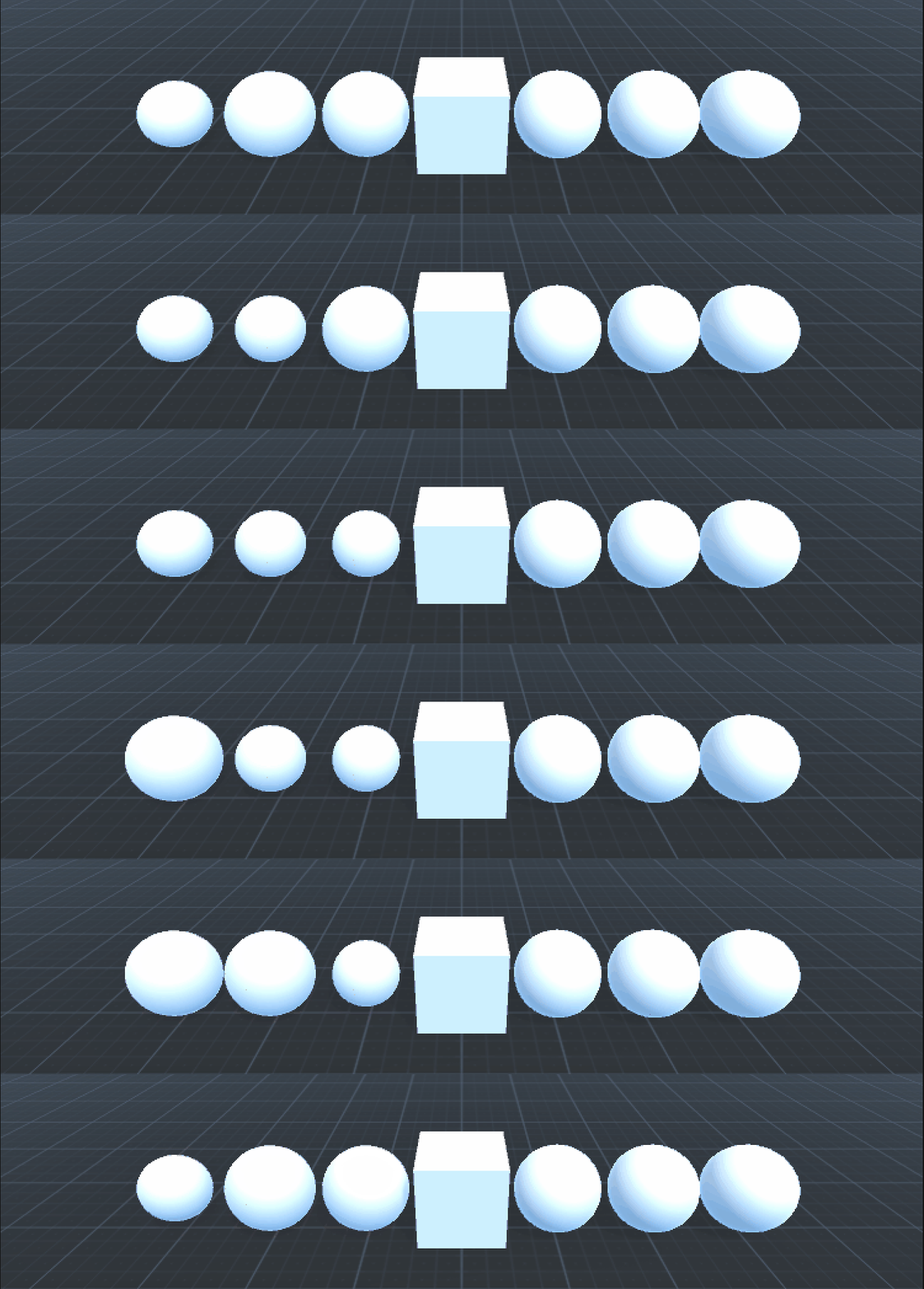
StopLoop
Stop a loop early.
-
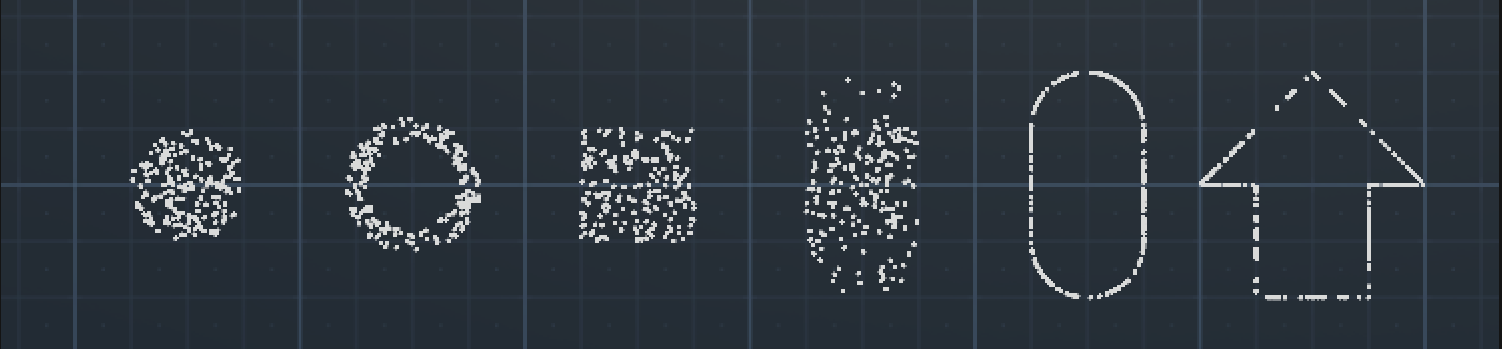
Random Point
Various ways to get a random point.
-
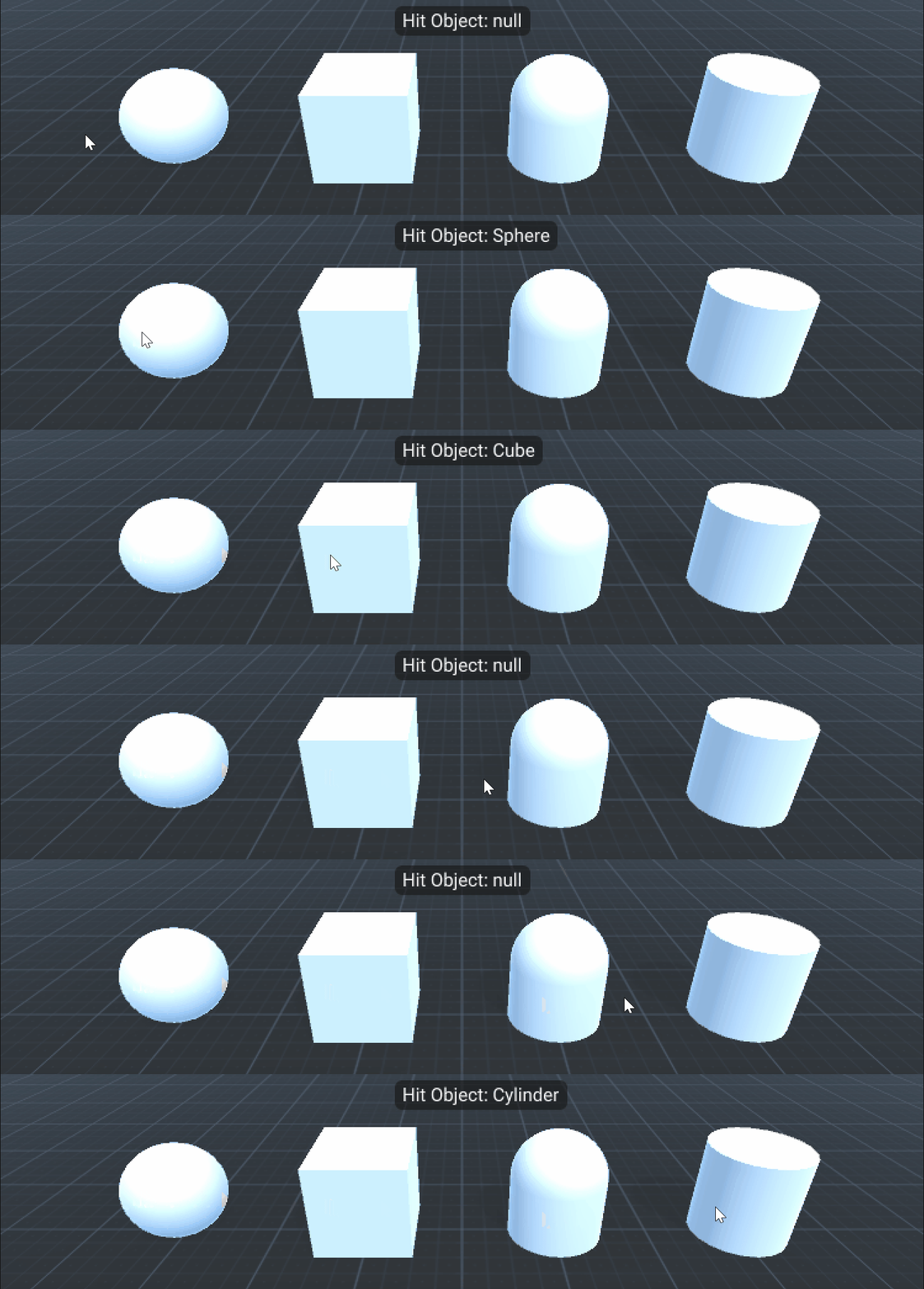
Raycast Mouse
Raycast from the mouse position.
-
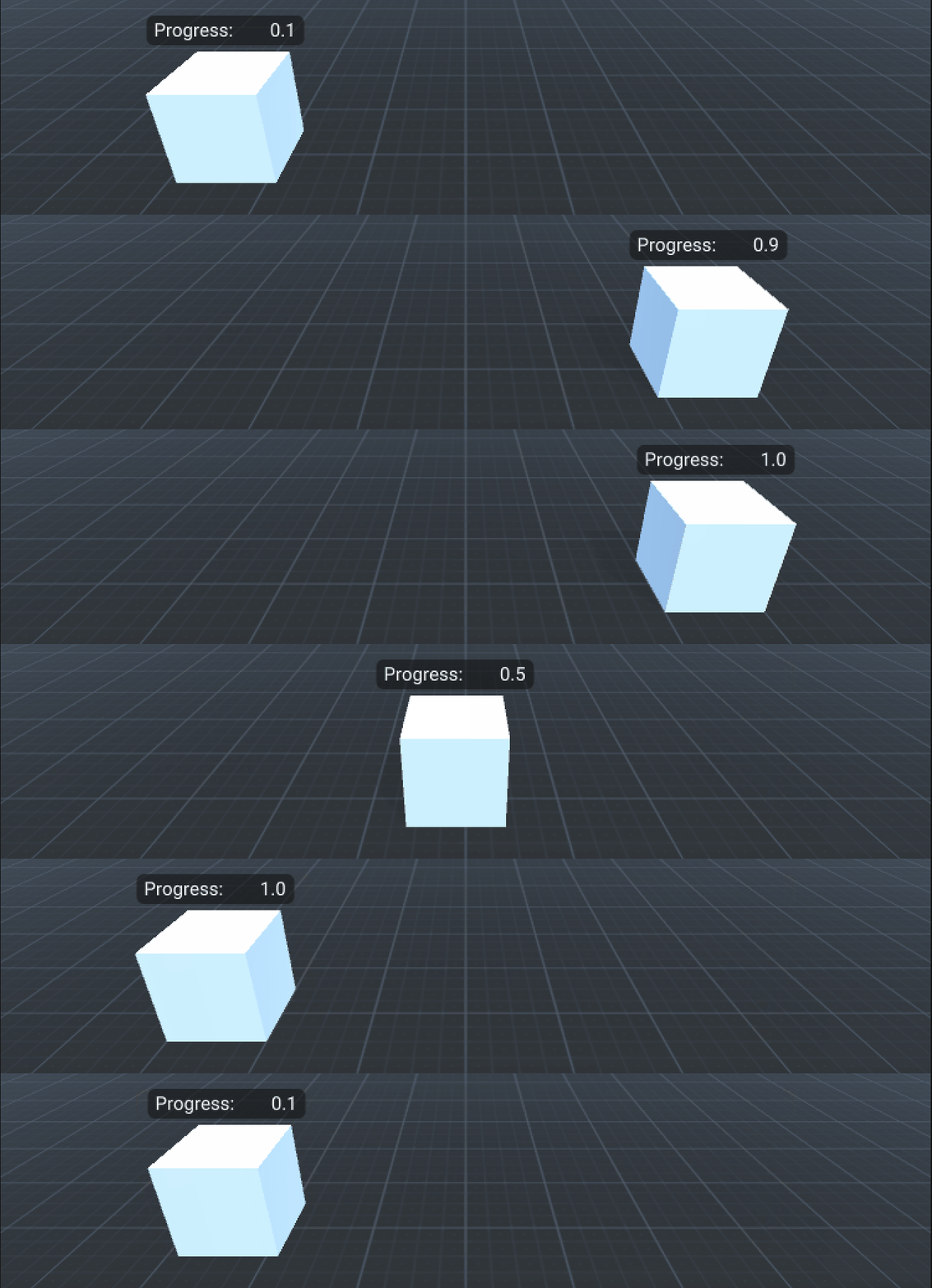
Tween Position
Tween the position of an object.
-
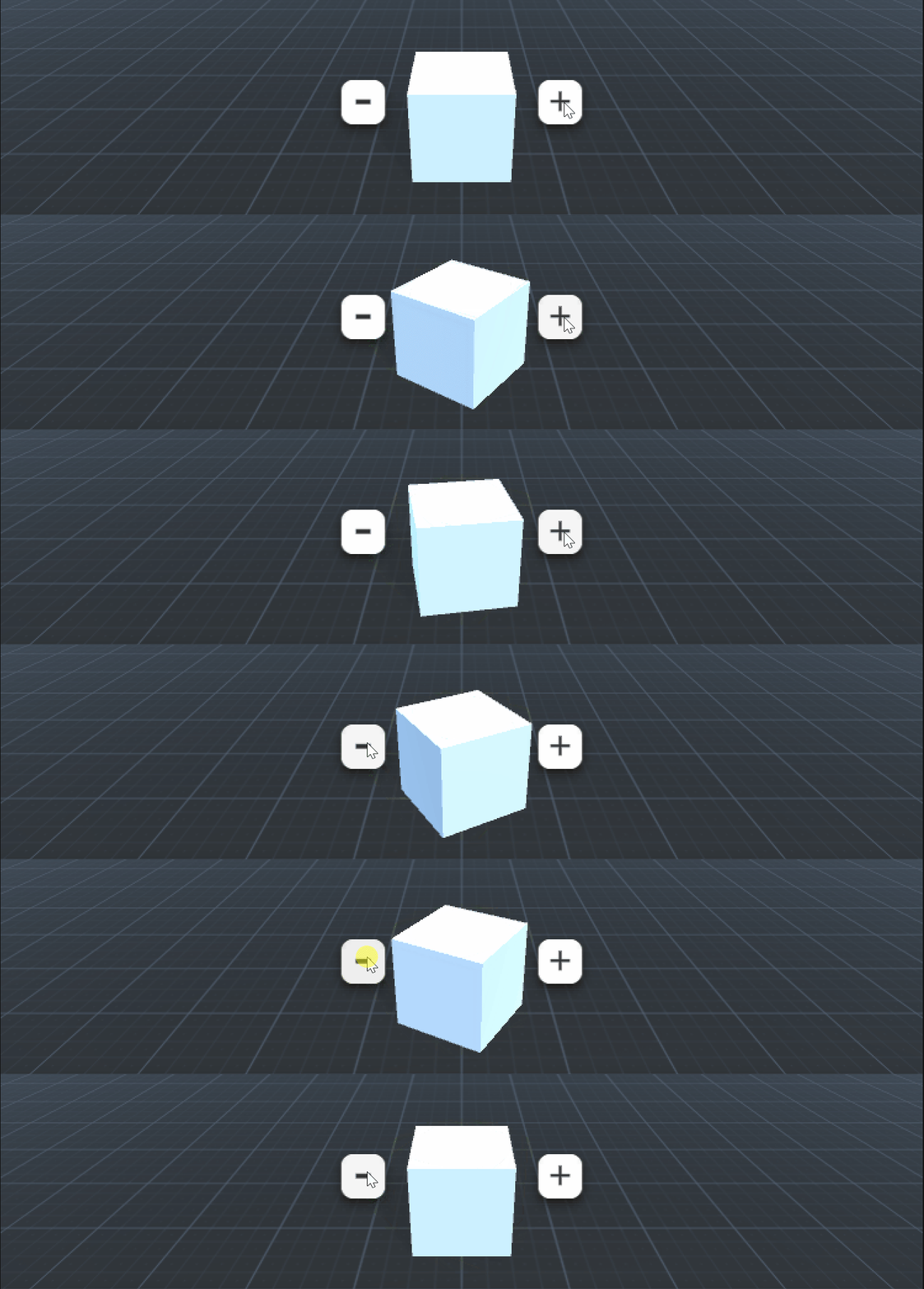
Tween Rotation
Tween the rotation of an object.
-
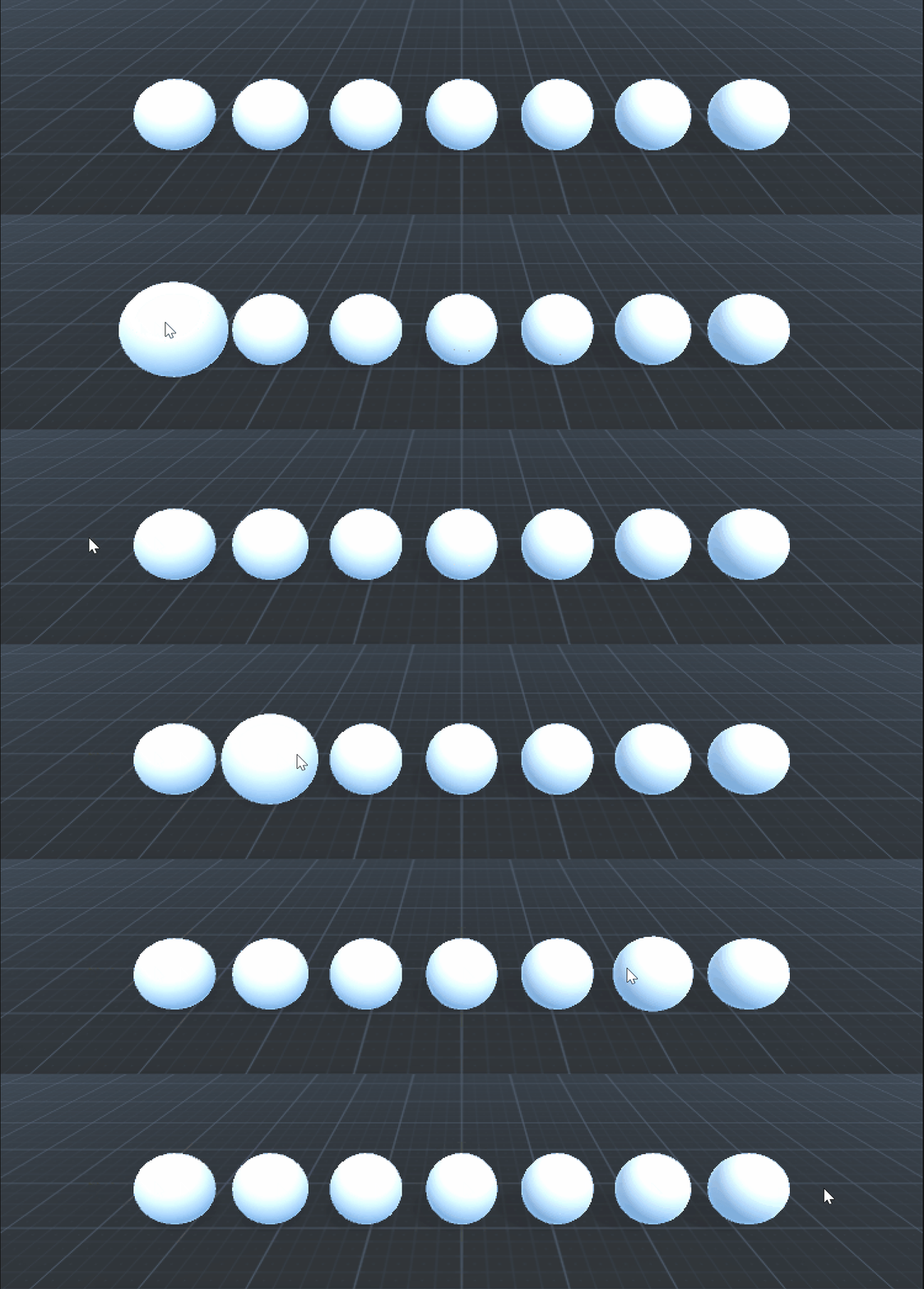
Tween Scale
Tween the scale of an object.
-
Tween UI
Tween the position of a UI panel.
-
Wait Actions
Use Wait actions to build sequences.
Tip
Once you've got the hang of the basics, explore other samples dedicated to specific game types or mechanics.