Loop Children
PlayMaker → Addons → Getting Started
Shows how to use For Each Child to loop through children and run actions on them:
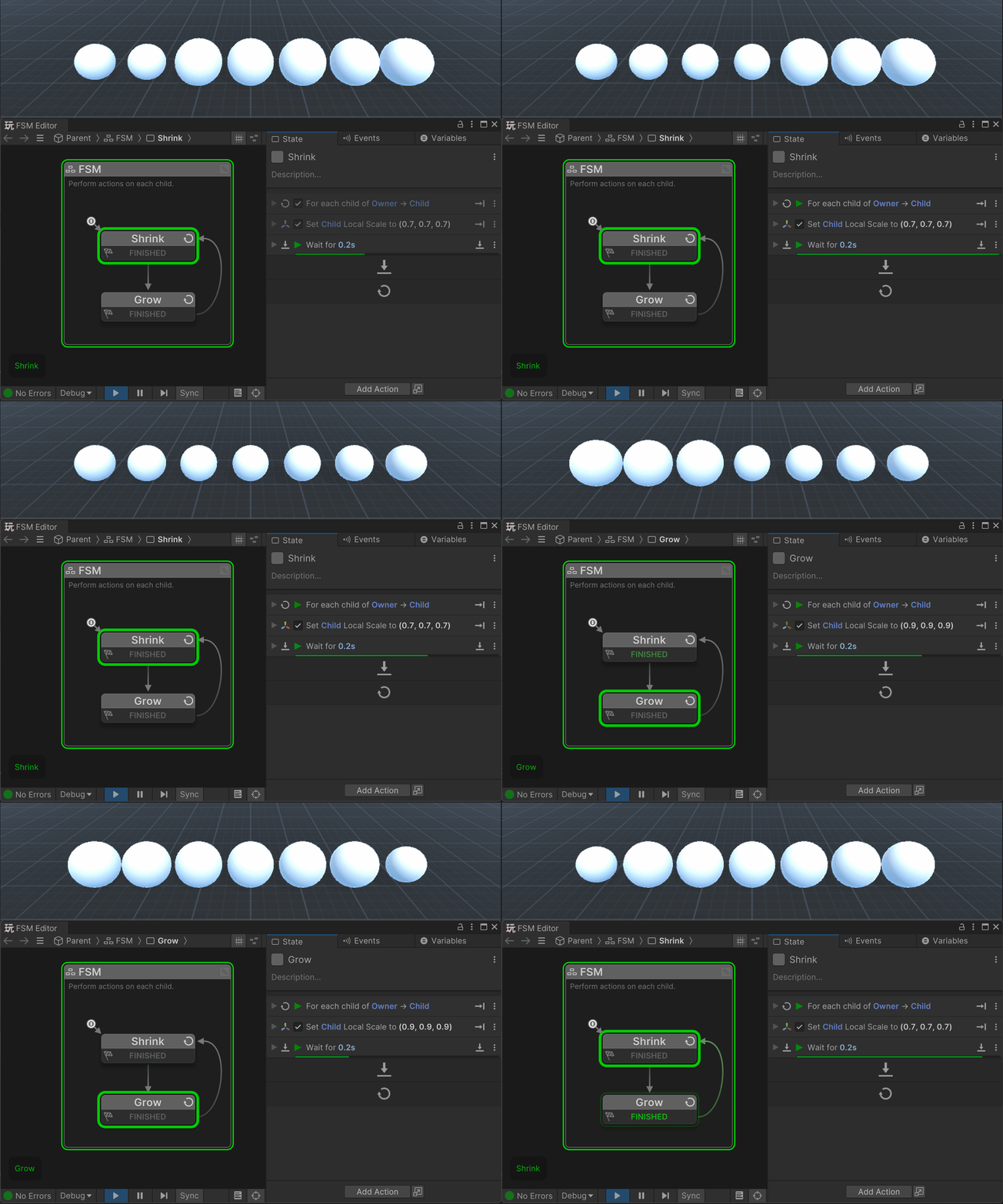
Loops are a powerful way to work with hierarchies in Unity.
The For Each Child action lets you automatically step through all the child objects of a parent, one by one. Inside the loop you can run any actions you like on the current child - such as enabling components, changing materials, playing sounds, or sending events.
This is especially useful when:
- You don’t know the number of children ahead of time (e.g., dynamically spawned objects).
- You want to apply the same setup or effect consistently across a group of children.
- You’re building procedural content, like a row of tiles or a particle system made of child GameObjects.
Tip
Combine For Each Child with actions like Activate GameObject, Set Position, or Send Event to create powerful iteration patterns without writing any code.