Samples
PlayMaker ships with many samples to get you up and running quickly.
Import samples using the Addons Browser.
Categories
Samples are organized in broad categories like FirstPerson, Platformer2D, UI, etc.
Each category contains multiple samples, each focused on a single topic like Movement, PickupObject, UseObject, etc.
New to PlayMaker?
Start with these categories:
-
Getting Started
Simple examples that show how PlayMaker works.
-
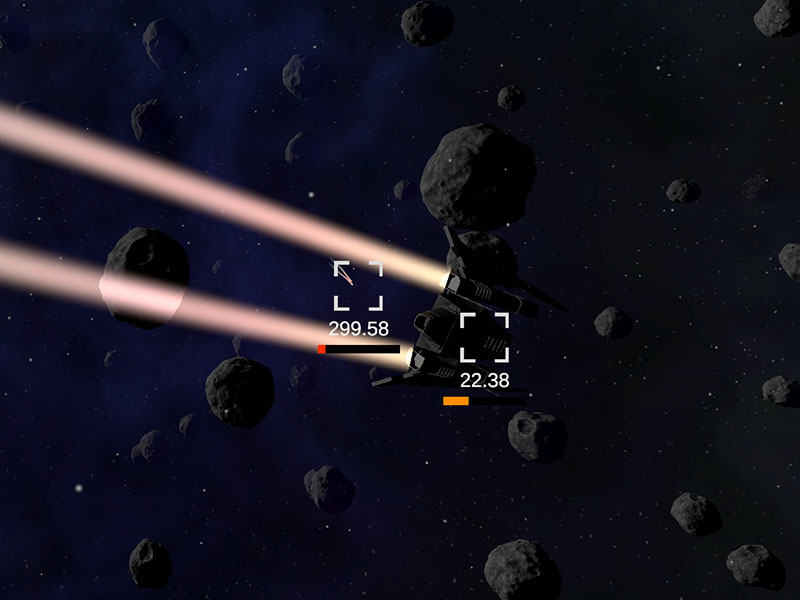
Games
Complete games made with PlayMaker. Check these out to get a feel for how all the pieces come together in a real project.
Importing Samples
Use a separate project to explore PlayMaker samples to avoid cluttering your project with sample assets. This is particularly true for Game samples that often include global events, variables, templates, and prefabs.
Render Pipelines
Most sample scenes are made with the Built-in Render Pipeline.
The scenes include a script to auto-fix materials for other render pipelines, but there may be cases where materials are not updated. If you find broken materials in a sample, please let us know!
Render Pipeline Converter
You can also run the Unity render pipeline converter to convert the scene:
Window -> Rendering -> Render Pipeline Converter