Click Object
PlayMaker → Addons → Getting Started
Samples that show how to react to mouse system events.
01 Click Object
Changes a GameObject's color when clicked:
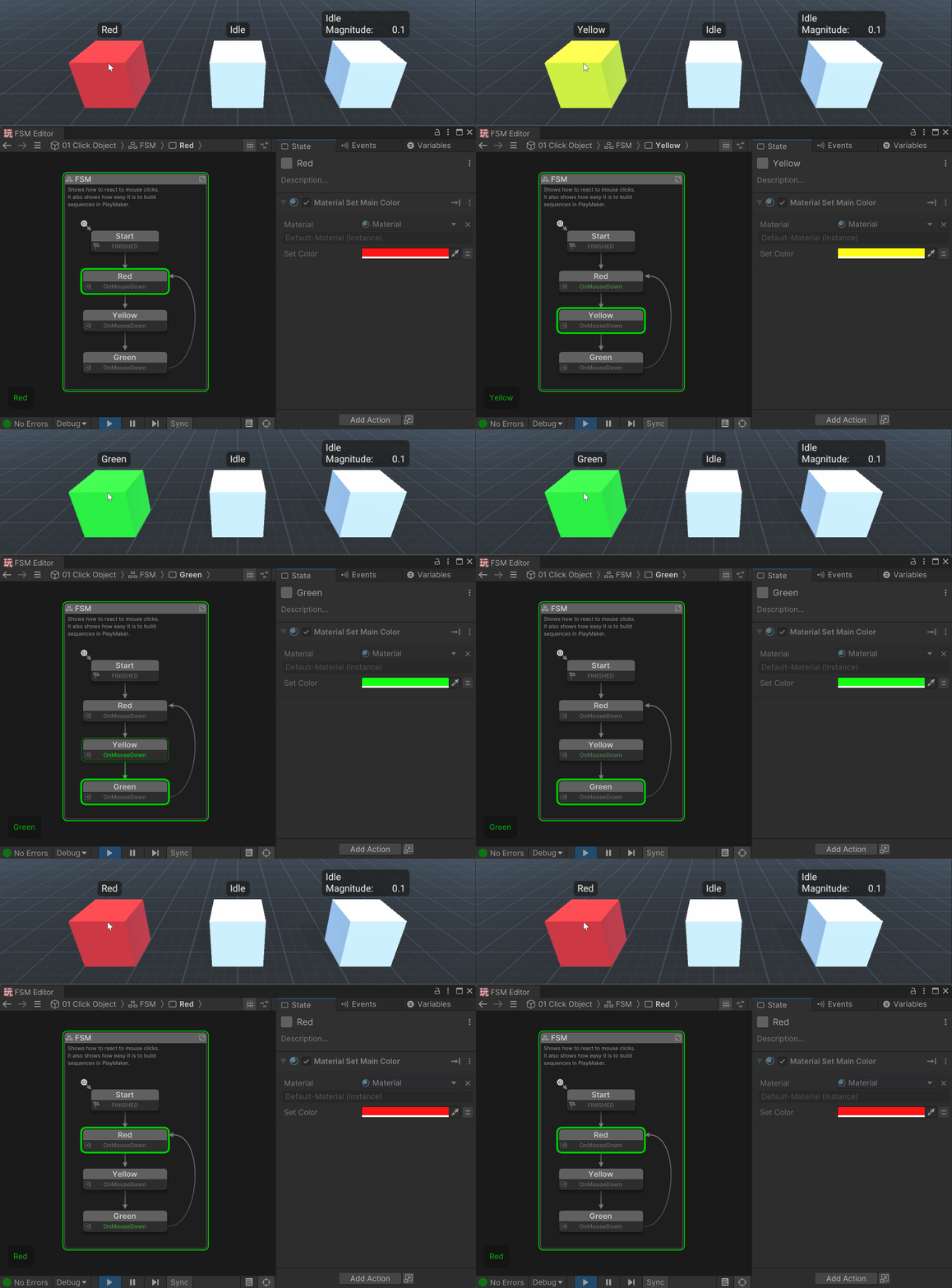
This example also shows how easy it is to build sequences in PlayMaker!
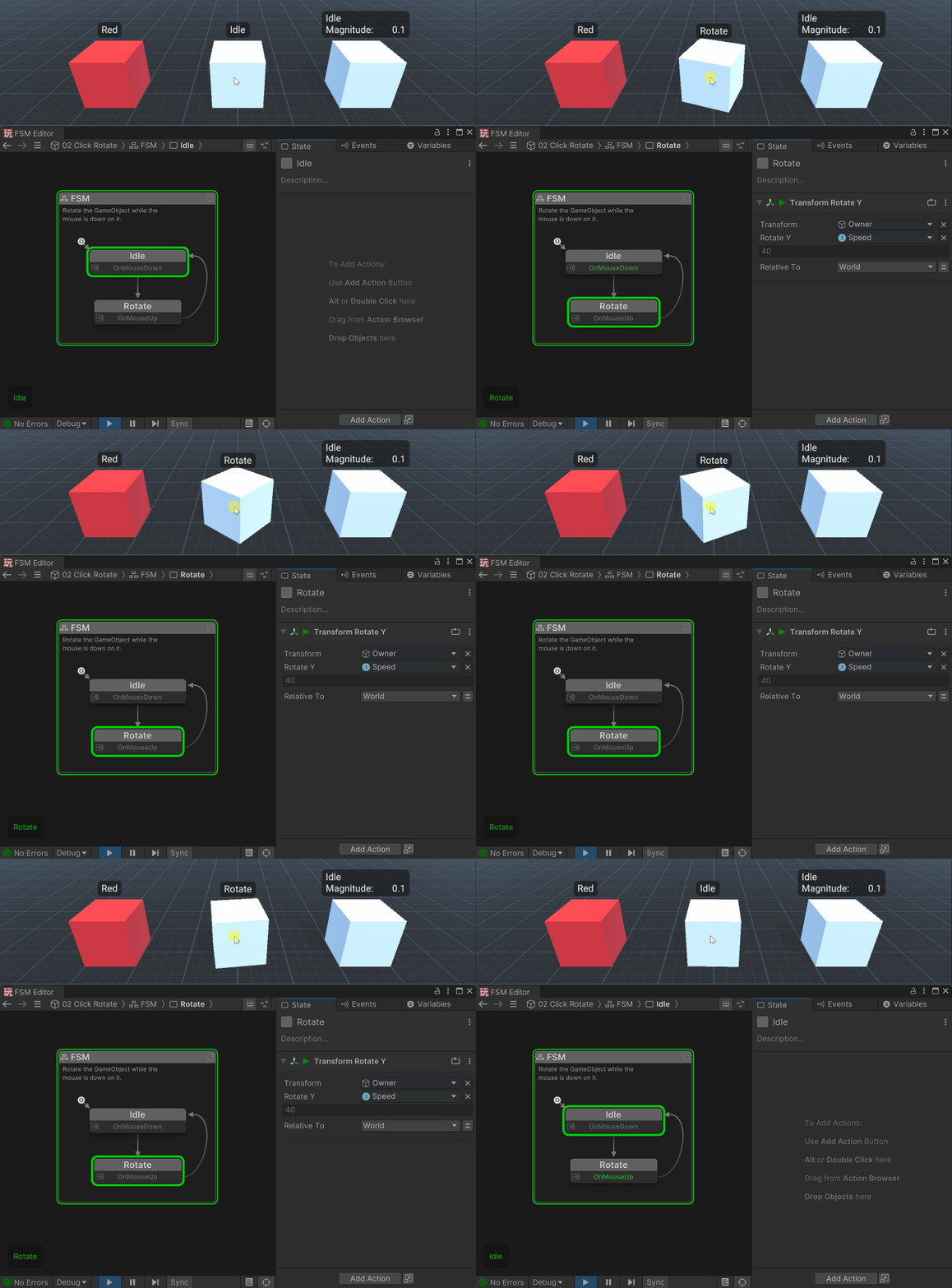
02 Click Rotate
Rotates a GameObject while the mouse button is held down:
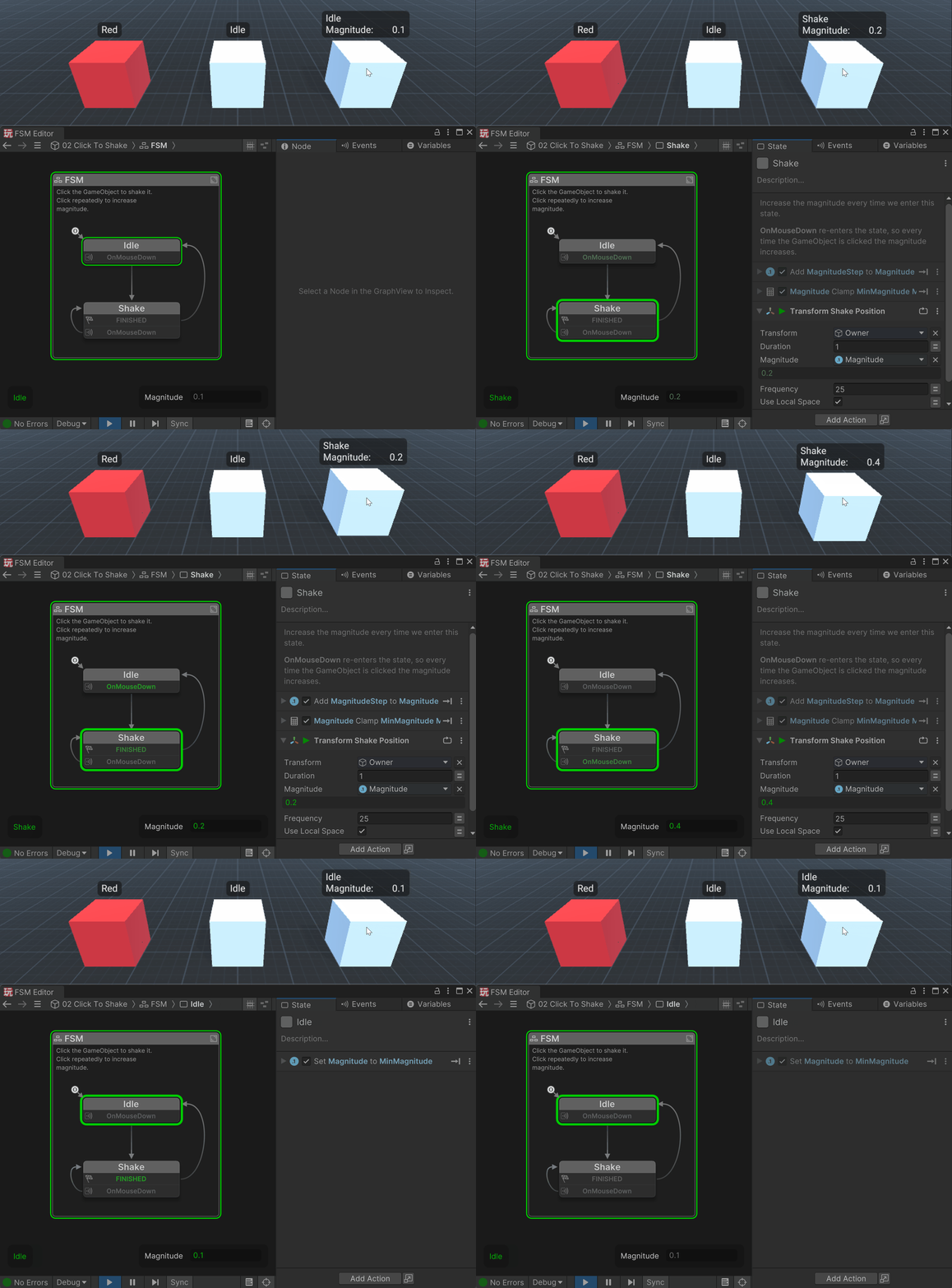
03 Click To Shake
Click the GameObject to shake it. Click repeatedly to increase magnitude: