FSM Info
PlayMaker → Tool Windows → FSM Info
Shows info about the selected FSM:
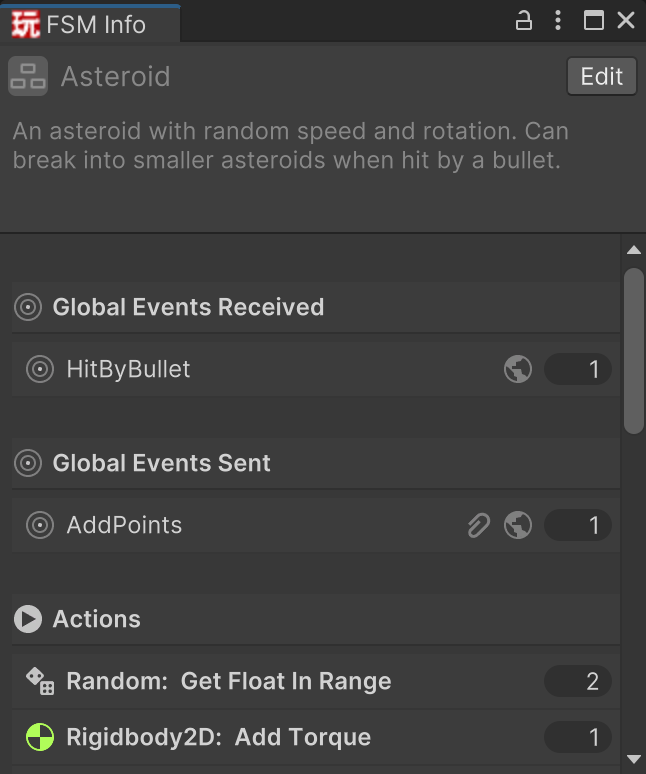
This offers a useful overview and shortcuts to specific information.
For example, you can see all actions used by the FSM and quickly jump to their usages.
PlayMaker → Tool Windows → FSM Info
Shows info about the selected FSM:
This offers a useful overview and shortcuts to specific information.
For example, you can see all actions used by the FSM and quickly jump to their usages.