Custom Debug Actions
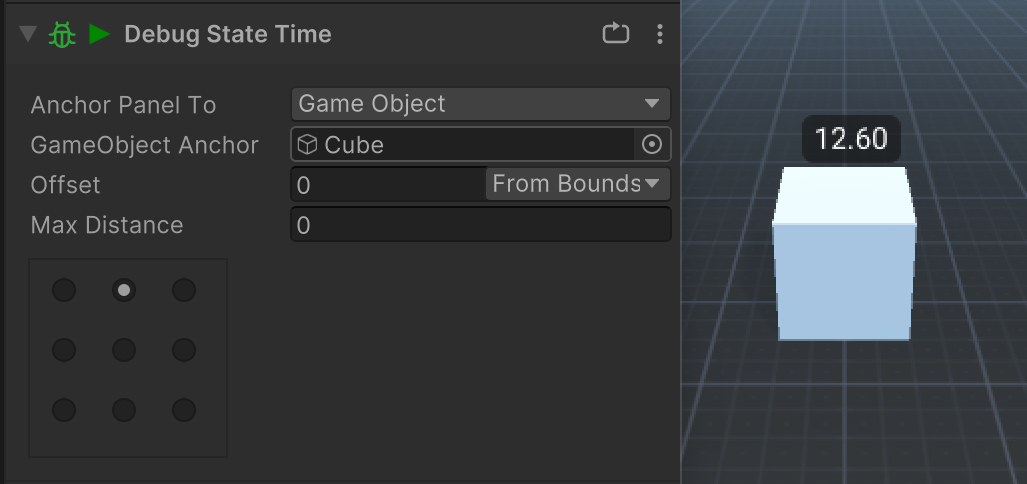
Debug actions use the PlayMakerDebug system to display debug information in a panel anchored to the screen or a GameObject. They are useful to debug information specific to a state because they only run while a state is active.
The easiest way to make a Debug Action is to extend from BaseDebugAction
The base class handles adding and removing the DebugPanel and provides a Label that you can use to debug text.
DebugStateTime shows how little code you need:
using System;

namespace HutongGames.PlayMaker.Actions
{
    [Serializable]
    [ActionCategory(Category.Debug)]
    [ActionDescription("Debug the time spent in the current state.")]
    public class DebugStateTime : BaseDebugAction
    {
        public override void Execute()
        {
            Label.text = State.ActiveTime.ToString("0.00");
        }
    }
}
Custom UI
Add custom UI to the Panel visual element. The Label is provided for convenience, but you can add any UI you want.